
DALI Lighting Control: What I Told an Interior Design Team, and the Cost Question That Mattered Most
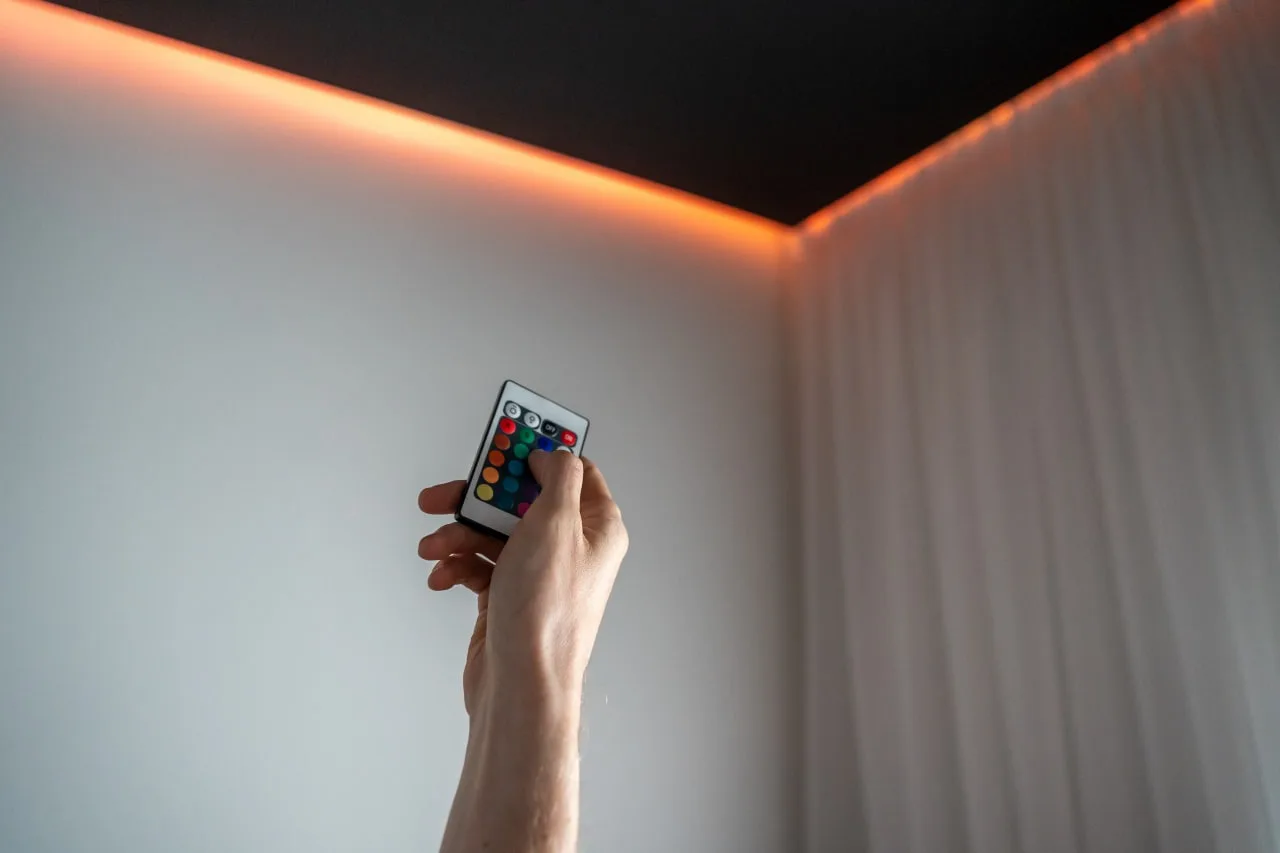
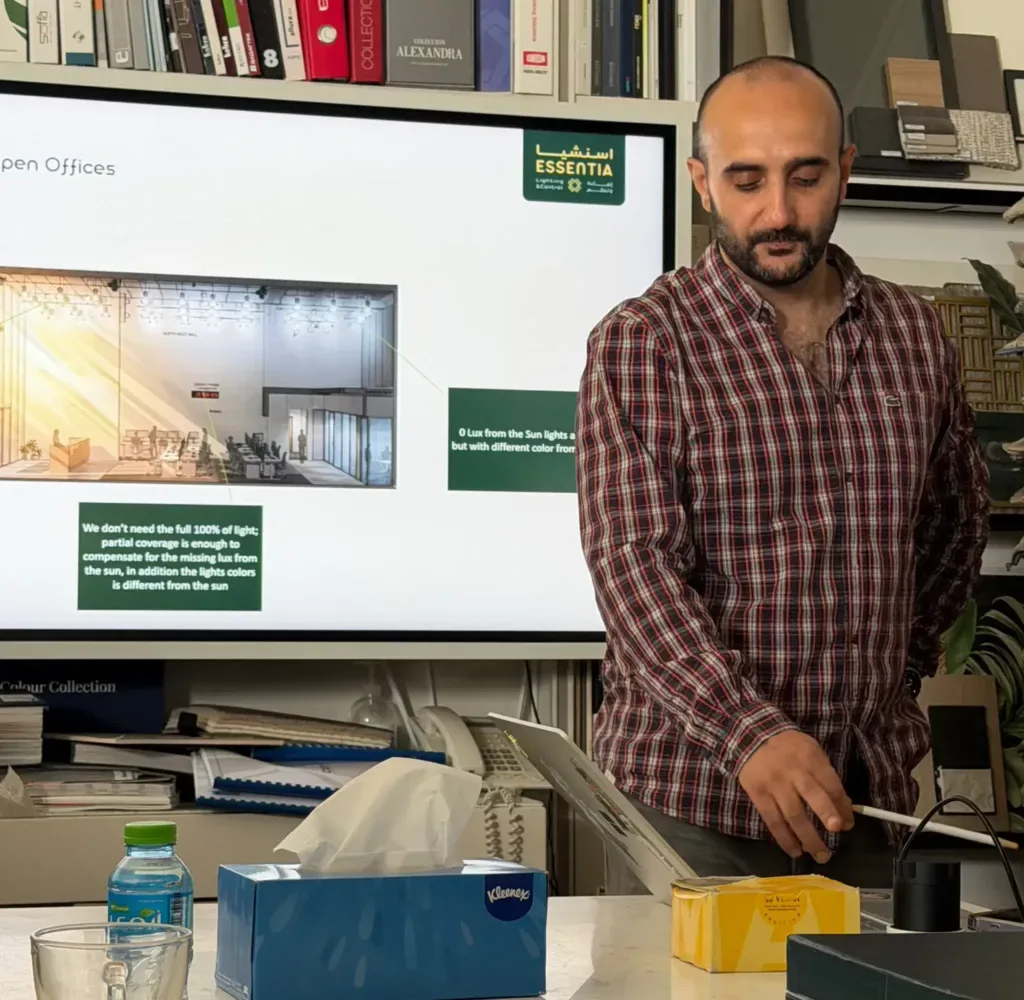
A few weeks ago, I ran a DALI workshop for the interior design team at Abeer Akbar, tied to a real project: private offices. The goal wasn't to turn them into electrical engineers. It was to give them enough to specify lighting control correctly, ask good questions, and catch problems in a submittal before they ever reach site.
Most disputes and change orders on lighting control projects trace back to one of three things: the wrong device type gets specified, nobody owns commissioning, or two incompatible control systems get mixed on the same job. All three are avoidable with basic DALI literacy, which is exactly why I wanted to run this session for a design team rather than just the electrical guys.
We covered a lot: what DALI actually is, how to pick the right devices, a real daylight harvesting case study from the project itself. But the question that mattered most, the one that actually decides whether a client says yes or no, wasn't technical. It was cost. I'll get to that. First, the basics.
What Dali Actually is
DALI stands for Digital Addressable Lighting Interface. It's an open, international standard, IEC 62386, for digital communication between lighting control devices: drivers, sensors, switches, controllers, all of it.
To understand why “digital addressable” is the important part, it helps to see what came before it.
Method
How it works
Limitation
Switching (relay)
On/off only
No dimming
0-10V analog
A voltage signal tells the driver how bright to be
All fixtures on a wire dim together, no individual control, no feedback, and the wiring is polarity-sensitive
DALI
Digital messages addressed to specific devices
Each device has its own address, feedback is possible, and one pair of wires can carry commands to 64 different devices independently
That middle row, 0-10V, is worth sitting with for a second, because it's still what most people picture when they hear “dimming.” It works. But it's a blunt instrument: every fixture on that wire moves together, there's no way for the system to ask a fixture “are you actually working,” and the wiring cares which way round you connect it.
DALI flips that. Because the message is digital and addressed, a controller can talk to fixture number 37 specifically, ask it what level it's at, and get an answer back. That two-way conversation is the whole reason everything else in this post is possible: grouping, scenes, daylight harvesting, fault reporting, all of it depends on the system being able to hear back from the fixture, not just shout commands at it.
Why Individual Addressing Actually Matters Day to Day
This is the part that's easy to wave past in a spec sheet but shows up constantly in real projects:
● Individual addressing. Every fixture can be controlled, monitored, and diagnosed on its own, even though they share the same two wires.
● Two-way communication. The system can ask a fixture “are you faulty?” or “what's your current level?”, not just push a command one way and hope.
● Flexible grouping. Fixtures get organized into groups and scenes in software. No rewiring. If a client wants to regroup fixtures for a different layout six months after handover, that's a software change, not an electrician back on site.
● Reduced cabling. One bus, not one control wire per circuit or per zone.
● Energy and maintenance reporting. Useful for compliance reporting, and a failing driver can flag itself before it fails completely.
● Vendor interoperability. Because it's an open IEC standard, DALI-2 certified devices from different manufacturers are meant to work together. This matters more than people assume, more on that below.
● Future-proofing. DALI is a data protocol, not a fixed control scheme. The same wiring supports new sequences of operation or software changes later, with no re-cabling.
The Cost Question Everyone Asks
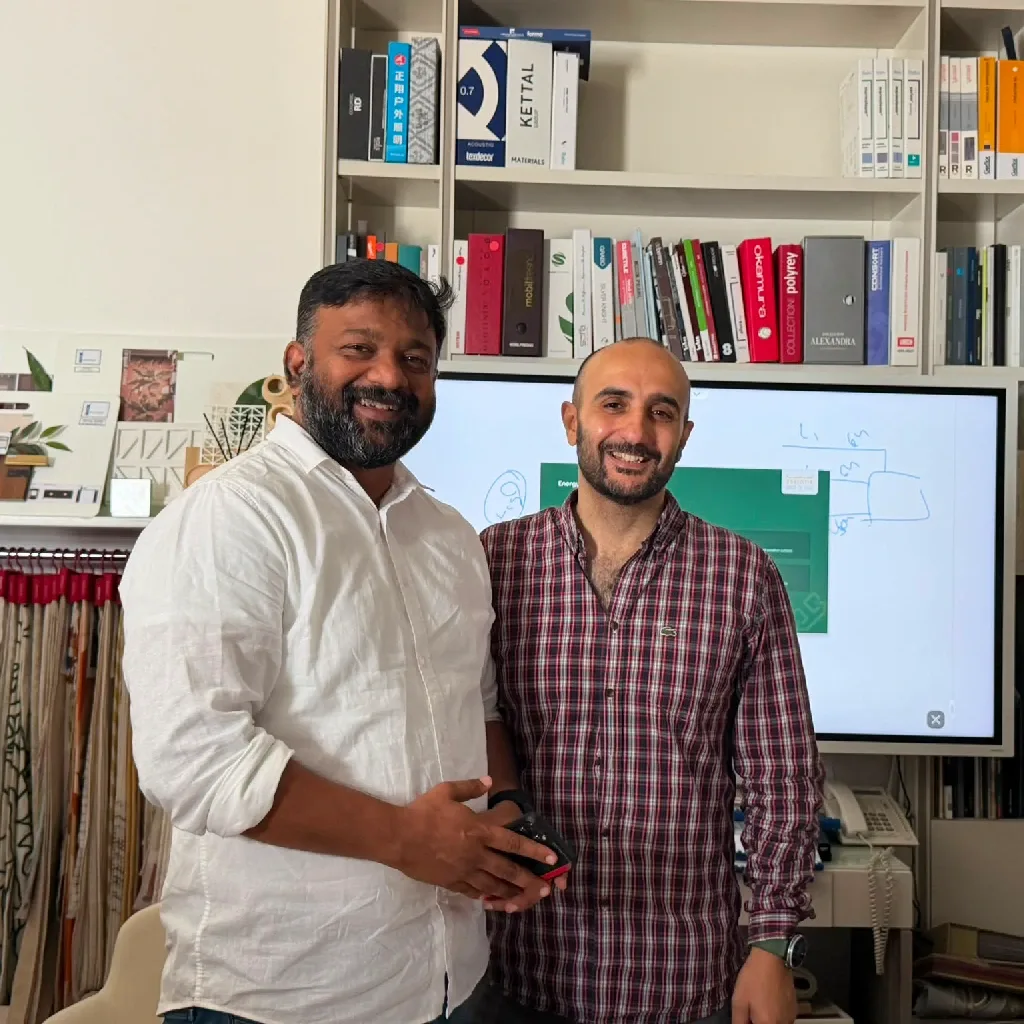
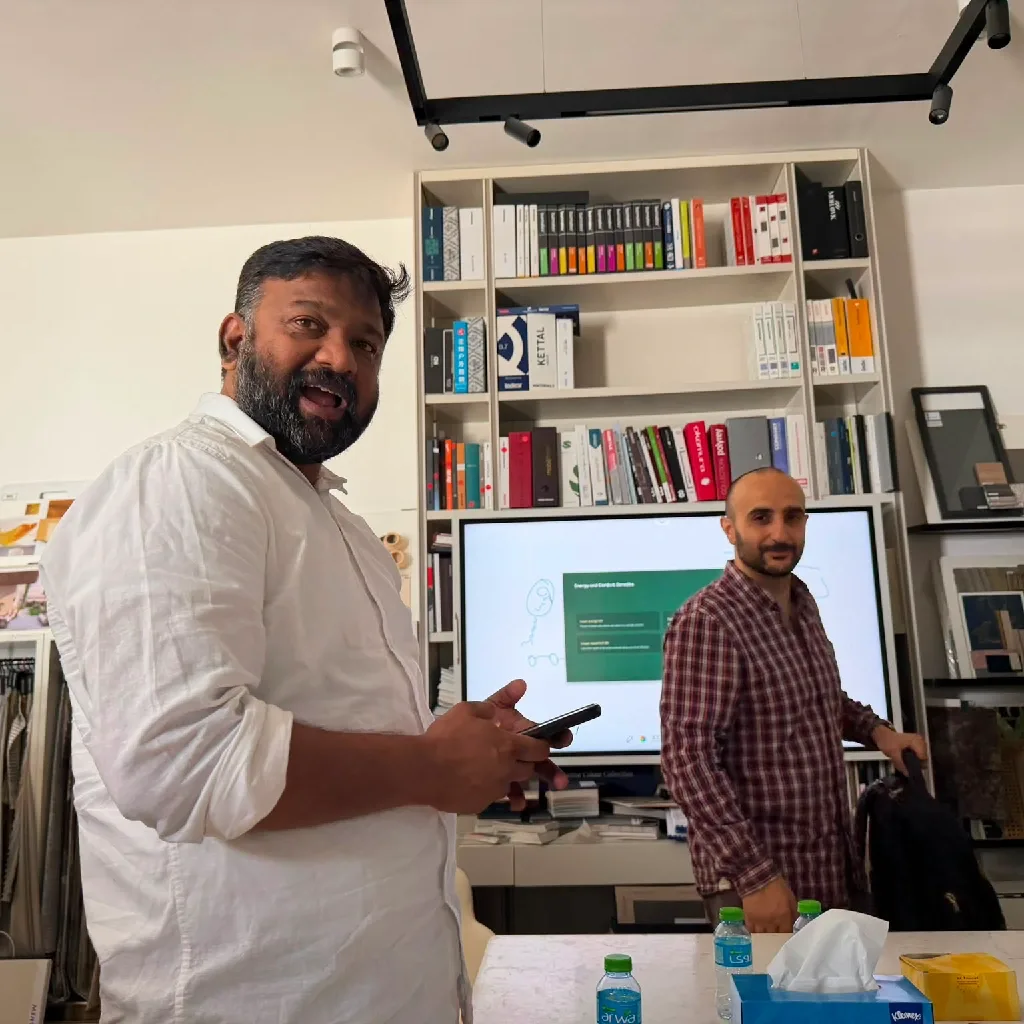
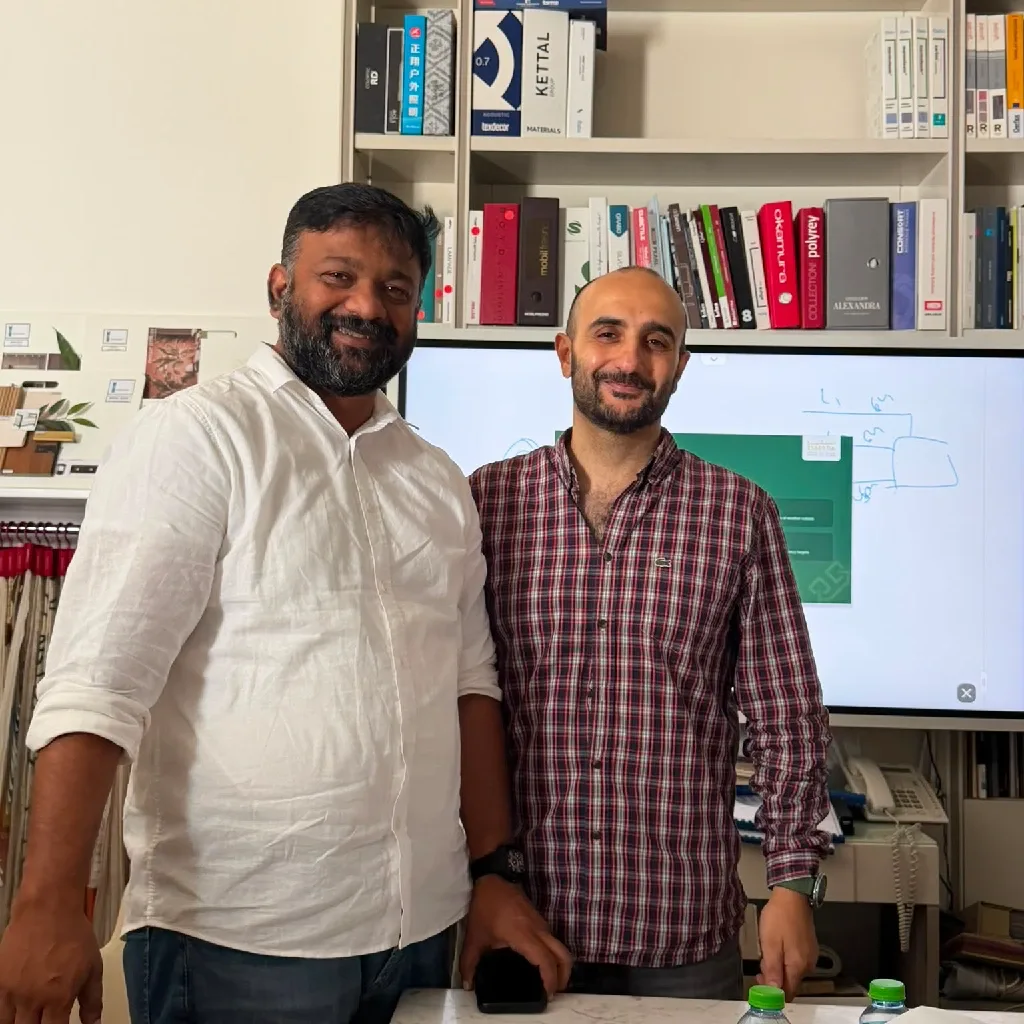
Here's the thing that actually came up in the room at Abeer Akbar, and it comes up on nearly every project I work on: doesn't DALI cost more? The honest answer is that this question is usually built on a comparison that isn't apples to apples. Let me explain what I mean. A lot of clients still think in terms of triac dimming, the old leading-edge or trailing-edge phase-cut dimmers that worked fine with halogen. That world is over. Triac dimming with LED is a fire risk, and it's not smooth, it flickers. If a client wants real dimming today, DALI is the way to get it. Even 0-10V, which people still reach for as “the cheap option,” is dying, and here's the part that surprises most clients: it's not actually cheaper. The signal itself is analog, sure, but the keypad you're buying to control it is usually priced the same as a DALI keypad. Same box on the wall, same install labor, same look. You're not saving money on the part people assume you're saving money on. What you're giving up is everything DALI does with that same wire: individual addressing, diagnostics, scenes, sensors. To be fair to the other side of this: DALI isn't free of real cost differences. Commissioning a DALI system, addressing devices, building groups and scenes, does take configuration time that a simple relay panel doesn't need. That's a genuine labor line, and it should be budgeted for, not hidden in a quote. But when the comparison is “DALI keypad vs. equivalent-quality 0-10V keypad,” the gap most clients expect just isn't there. The real conversation should be about commissioning and design, not about the wire.
DALI-2, D4i, and DALI+: Which Version You're Actually Buying
DALI has been around long enough to have generations, and knowing which one you're specifying matters.
DALI-1 was the original standard. Devices from different manufacturers weren't always guaranteed to interoperate, and certification was inconsistent. Uncertified DALI-1 era devices are still sold today, and they still cause interoperability headaches on multi-vendor jobs.
DALI-2 is a stricter, formally tested certification program. DALI-2 certified products are logo-marked and tested for real cross-vendor interoperability. This is the version you should be specifying today. If a submittal doesn't mention DALI-2 certification, ask about it.
D4i builds on DALI-2, specifically for luminaires. It adds standardized diagnostics, energy metering, and support for connecting sensors and nodes for smart-city and IoT applications. Mostly relevant for larger commercial and outdoor projects.
DALI+ extends DALI over wireless and IP networks (Thread, Ethernet), rather than only the physical wired bus. The DALI Alliance made this official on December 10, 2025, announcing DALI+ with Thread ahead of its showcase at Light + Building 2026 in Frankfurt. In the Alliance's own words, from general manager Paul Drosihn: “DALI+ bridges the gap between traditional and future-proof technologies and sets new standards for lighting control.” Alongside it, the Alliance also published new testing and certification specs for wireless-to-DALI gateways covering Bluetooth NLC and Zigbee, so a wireless sensor or switch from either ecosystem can talk to a wired DALI bus through a certified gateway rather than a proprietary bridge.
The practical use case for DALI+ is exactly what you'd expect: retrofit projects, or anywhere pulling a dedicated bus cable isn't realistic. If you're working on an older building where re-cabling the whole floor isn't an option, this is the version to keep an eye on. It's also a decent proxy for how fast this space is moving: at the Light + Building 2026 event itself, submissions to the DALI Lighting Awards came in almost threefold higher than the previous year, across 2,000 exhibitors and over 140,000 visitors from 143 countries.
DALI vs. KNX: Not a Competition
Worth clearing up, because it comes up in almost every design conversation: DALI is a lighting-specific protocol. It's very good at what it does: dimming, addressing, diagnostics for lighting. But it's not a whole-building automation system.
In an integrated smart building, DALI is usually the last mile to the light fixtures, while a broader system like KNX handles building-wide integration, lighting plus HVAC plus shading plus security, and talks to the DALI network through a gateway.
DALI answers
how do individual fixtures get addressed and dimmed reliably.
KNX answers
KNX answers “how does the whole building's systems talk to each other.
They're complementary, not competing, on the vast majority of projects at this scale.
Selecting DALI Devices: What You're Actually Specifying
One thing that trips up design teams new to DALI: “DALI-compliant” isn't one product, it's a bundle of five different device categories, each with its own point of failure. When you're reading a submittal, it's worth checking each one separately rather than trusting the label as a whole:
Category
What it does
Examples
Control gear / LED drivers
Convert mains power to what the LED module needs, and respond to DALI dimming commands
Dimmable LED drivers, DALI ballasts
Push button / input devices
Send commands onto the bus based on human input
Push-button panels, rotary dimmers, keypads
Sensors
Automatically send commands based on conditions
Occupancy/PIR sensors, daylight/photocell sensors
Controllers
Run the logic: scenes, schedules, groups, sequences of operation
Standalone scene controllers, room controllers, gateways to BMS/KNX
Gateways / interfaces
Bridge DALI to other systems, or to multiple DALI lines
DALI-to-KNX gateways, DALI-to-IP/cloud interfaces, multi-line routers
A single DALI line can address up to 64 devices, and that count includes both drivers and control devices like sensors and switches sharing the same line. Larger projects use multiple DALI lines joined together through gateways or routers. Knowing that number matters at the design stage: it's the difference between a clean single-line install and a project that needs multi-line planning from day one.
The Case Study: Open Offices at Abeer Akbar
This is where the workshop moved from theory to the actual project: Abeer Akbar's own private offices, an open-plan layout with a real daylight problem.
The challenge is the same in almost every open office with a window wall: desks near the façade get strong, variable daylight through the day. Desks deeper in the room stay dim no matter what's happening outside. Fixed-output lighting gets set for the worst case, the darkest desk, which means it's wasting energy everywhere else. On top of that, the sun's color and the fixtures' color don't match, which is part of why some zones just feel uncomfortable even when they're technically bright enough. And manual switches, in practice, almost never get adjusted as conditions change through the day. Nobody's job is to walk around dimming lights every hour.
The fix is daylight harvesting: a system that continuously measures the daylight actually reaching a desk and adjusts the artificial output to hold a constant target lux, whatever the weather is doing outside. Sensed daylight, plus adjusted artificial output, equals a held-constant target level, with the color matched to the sun for better human-centric lighting along the way. A presence detector turns lights on only when someone's actually there.
The model we walked the team through zones the office by distance from the façade:
ZoneDistance from façadeDaylightArtificial outputPerimeter0-3 mHigh10-30%Mid-zone3-6 mModerate40-60%Core6 m+Low70-100%
These are illustrative ranges, not a fixed setting. The actual output adjusts continuously as daylight and occupancy change through the day. Layer motion-based occupancy on top of that, unoccupied zones dim to standby or switch off automatically, and a zone only draws real power when it's both dim outside and actually in use. Manual override stays available at every switch, because automation should never mean the person in the room loses control of their own light.
Put together, the benefit shows up in four places, not just the electricity bill. Lower energy use, because power is only drawn where and when it's actually needed. Consistent comfort, steady lux at every desk regardless of what the weather's doing outside. Longer equipment life, since less time spent at full output extends lamp and driver lifespan. And simplified compliance, since a system like this supports green-building targets and local energy-efficiency requirements, EWA's included, rather than fighting them.
What the Research Actually Shows
I don't like stating benefits without something behind them, so here's real research worth knowing, not just a vendor claim. The study comes from the National Research Council of Canada, led by senior research officer Dr. Guy Newsham, who tracked roughly 90 workers across four floors of a real open-plan office building for a full year. You can read the full write-up here.
Context matters here. The building started with 530 old recessed parabolic fixtures. Even before any controls got switched on, replacing those with 195 modern direct/indirect fixtures cut installed lighting power density by about 40% on its own, from 0.92 W per sq ft down to 0.54 W per sq ft. That's the fixture upgrade alone, before daylight harvesting, occupancy sensing, or personal dimming ever entered the picture.
The controls were then layered on in three phases over the year: first occupancy sensing and personal dimming only, then daylight harvesting added on top, then reminder emails nudging people to actually use their personal dimming controls. By the end, power density with everything running averaged 0.28 W per sq ft: a 47% saving against the new-fixture baseline, and up to 69% against the old parabolic system it replaced.
Broken down by strategy, measured separately: occupancy sensors accounted for roughly 35% of savings on their own, daylight harvesting around 20%, and personal dimming around 11%. One detail worth remembering for exactly the kind of project we're talking about here: perimeter workstations, the ones closest to the façade, got noticeably more benefit from daylight harvesting than interior desks did, which lines up with the zoning model above.
What's genuinely useful to know for the next time a client asks “which control is actually worth it”: Dr. Newsham's team found occupant satisfaction improvements tracked mostly with the personal dimming feature, not the automatic controls, despite personal dimming contributing the smallest energy share. People care about feeling in control of their own light, even when the invisible automation in the background is doing most of the energy-saving work.
On payback, the site manager on that project estimated 2-4 years for new installations, and 4-12 years for retrofits, based on energy savings alone. That's before counting the maintenance and diagnostics benefits that come with DALI regardless of the daylight harvesting layer.
The Practical Recommendation
If you're specifying lighting control, no matter how complex the project, DALI is the way to go. It's not close. The cost objection mostly evaporates once you compare equivalent-quality hardware instead of digital dimming against a stripped-down analog setup. And if you also need shutter control, AC, motor control, or broader electrical and water management, bring in KNX for that layer and keep DALI doing what it does best on the lighting side. You get the best of both worlds, and you avoid the exact three mistakes, wrong device type, unclear commissioning ownership, incompatible systems mixed together, that cause most of the disputes on these projects in the first place.
For the design side specifically: ask for DALI-2 certification in every submittal, ask who owns commissioning before the fixtures go on order, and don't let anyone tell you real dimming control costs meaningfully more than the alternative once you're comparing like for like.
Further reading:
DALI+ with Thread, the wireless gateway certifications, and the DALI Lighting Awards growth were announced by the DALI Alliance ahead of Light + Building 2026: DALI Alliance news, with the event recap covered here.
The open-office energy and satisfaction figures cited above come from the National Research Council of Canada study, summarized in full by the Lighting Controls Academy.
The DALI protocol itself is standardized under IEC 62386.
Comments
Be the first to comment.
Planning a project?
Talk to our engineers about lighting, control and automation for your space.